You can now preview the QC Report directly while building your Specs — before running a single inspection.
On the Specs, each Process and Standard now includes a Preview QC Report button.
The button appears in the top-right corner of a Process or Standard
.
Clicking it opens a QC Report preview based on:
The selected Process with its default Standard, or
The selected Standard with its linked Process.
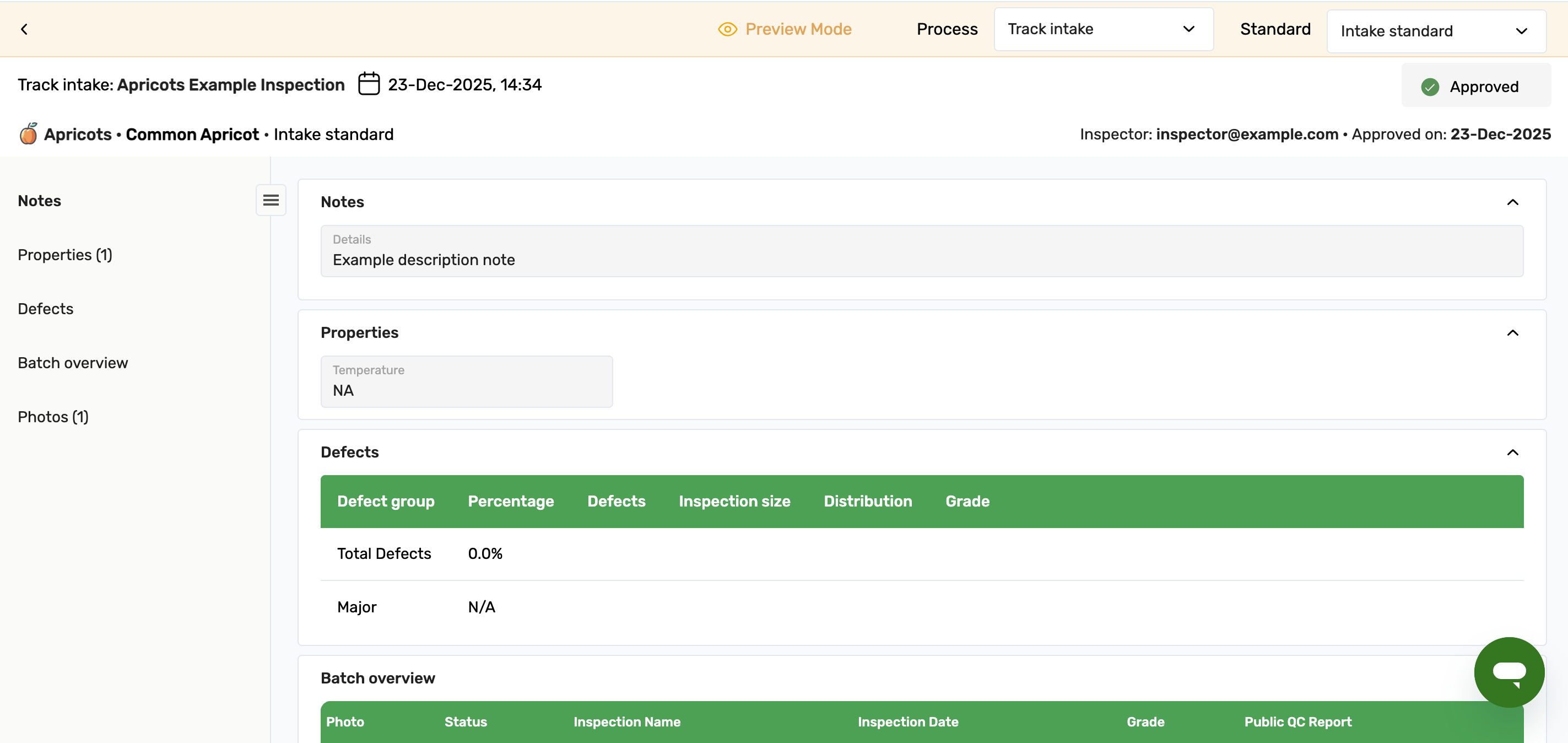
Explore different combinations
Inside the preview, you can:
Switch between Processes
Switch between Standards
Instantly see how each combination affects the QC Report structure
The QC Report preview does not display real inspection data.